Add Word Wrap Toggle to Code Blocks
Description
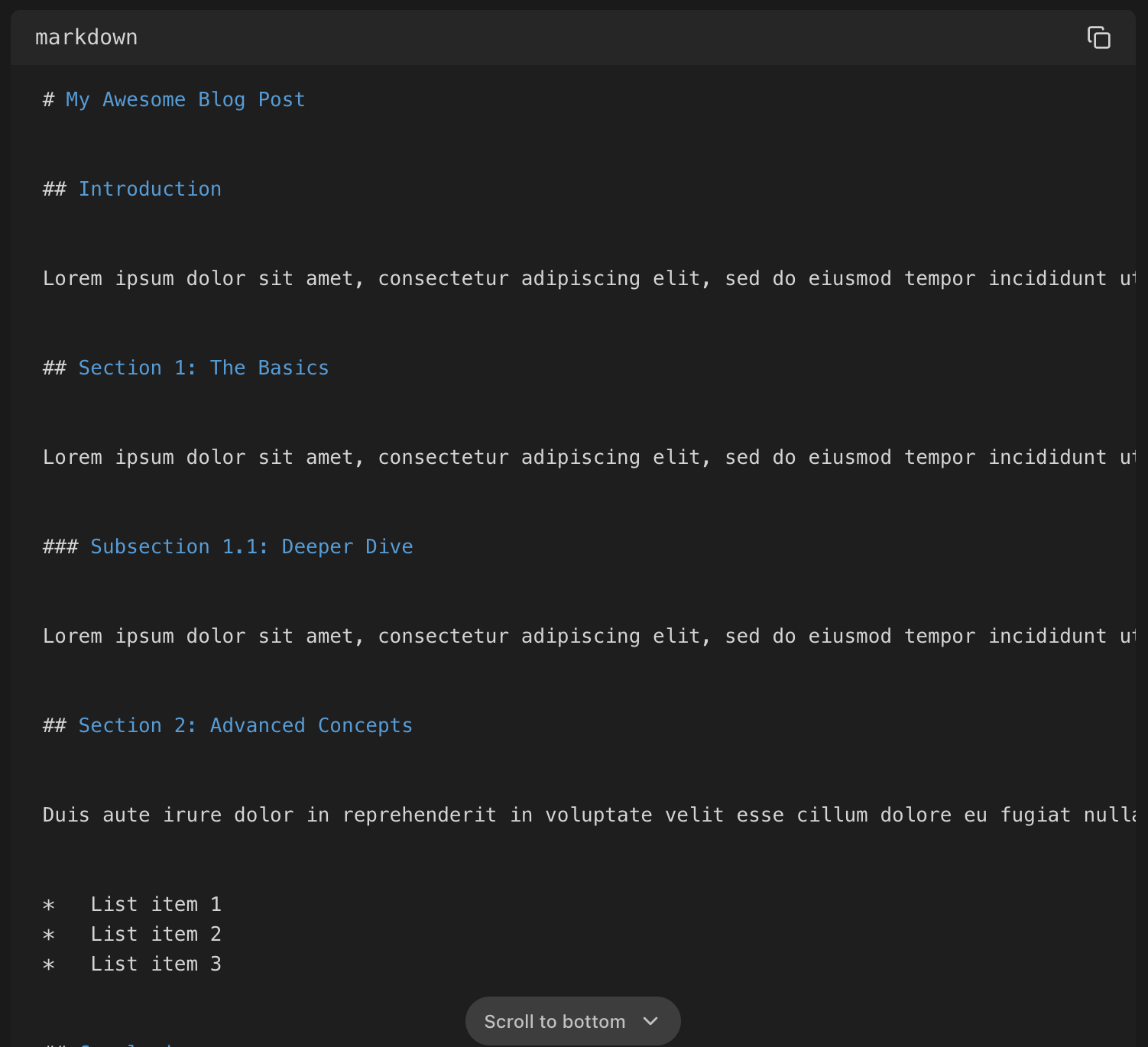
Currently, code blocks sometimes contain long lines of text that force horizontal scrolling, which reduces readability. This is especially noticeable in Markdown code blocks with paragraphs of text.
Proposed Solution
Implement a toggle option to enable/disable word wrap within code blocks. This toggle would ideally be located next to the copy button for easy access.
Implementation Details
The word wrap functionality can be achieved by dynamically changing the white-space CSS property of the <code> element within the <pre> tag.
Wrap Enabled:
white-space: pre-line;Wrap Disabled:
white-space: pre;
Additional Notes
Consider whether the toggle should apply individually to each code block or globally across all code blocks. A global setting might be simpler to manage, while individual toggles offer more flexibility.
This feature would benefit all code block types, not just Markdown.
Current Behaviour (Wrap Disabled)
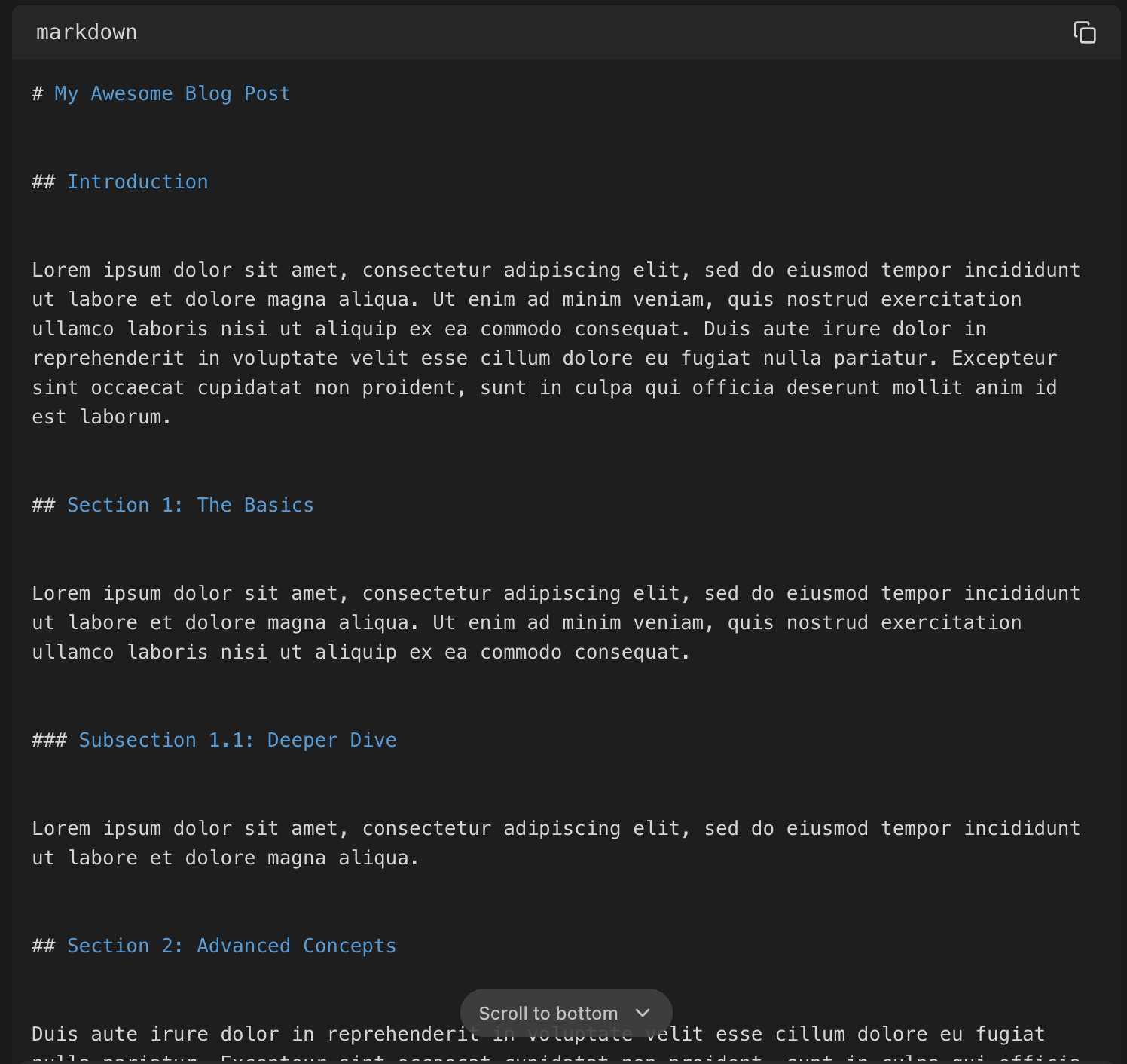
New Behaviour (Wrap Enabled)
Log in to comment and vote
Comments2
Yellow Toaster
And also make it possible to use the (sometimes) huge amounts of blank space to the left and right of the text. Maybe not aesthetically great, but I’d rather have the code blocks even stick out … like here:
Beige Plasma
This would pair nicely with https://feedback.t3.chat/p/copy-code-button-always-visible